 NEXVORIA
Restaurants
Restaurant POS with tables, KOTs and a kitchen display
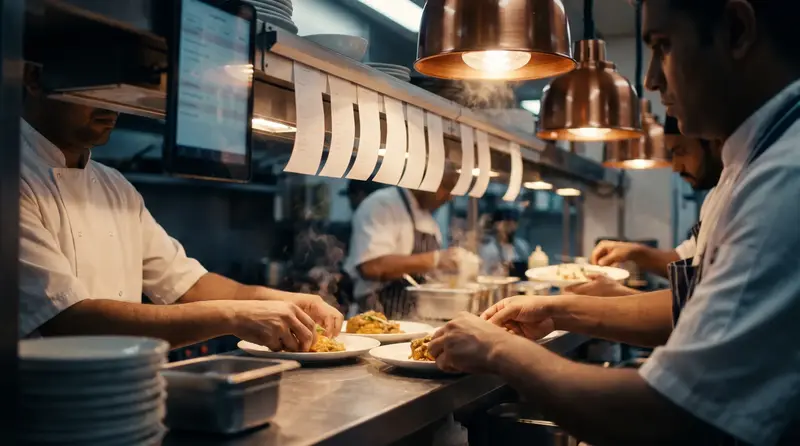
NEXVORIA™ ERP's restaurant POS handles tables and running orders, sends KOTs straight to the kitchen display, splits bills and closes the day with a report, all connected to stock, GST and accounts.
Hotels with a restaurant can post restaurant charges to the guest's folio, so the guest pays one bill at check-out.
The live demo needs no sign-up or password. The free trial needs no card.
What you get
Restaurants in NEXVORIA™ ERP: what you get
Restaurants, cafes, cloud kitchens, caterers and hotel restaurants.
Tables and running orders
See which tables are busy and what each has ordered.
KOT to the kitchen
Orders go straight to the kitchen display as KOTs.
Menu with pictures
A menu screen that is quick for new staff.
Split bills
Split a table's bill between guests or payment modes.
Day-end report
Sales by mode and item at the end of the day.
Room charges
Post restaurant bills to a hotel guest's folio.
How it works
How it works in NEXVORIA™
- Set up the menu, tables and kitchen stations.
- Take orders at the table; KOTs reach the kitchen display.
- Bill the table, split it if needed, and take payment.
- Close the day; sales and GST post to the books.
Indian compliance built in
- GST on restaurant bills
- UPI, card and cash payments
- Staff payroll with PF and ESI on the Growth and Pro plans
Try it now
The live demo opens a private sample company with this feature switched on. No sign-up, no password.
Open the live demoPlans and pricing
Included in every plan.
Prices are per company, shown per month and billed yearly, plus 18% GST. Every plan includes hosting, backups, updates and support, and the 14-day free trial opens every module.
Starter
₹1,199/ month
₹14,388 billed yearly, plus GST
Included
3 users · 1 branch
Start a 14-day free trialGrowth
₹2,999/ month
₹35,988 billed yearly, plus GST
Included
10 users · 3 branches · 50 employees on payroll
Start a 14-day free trialPro
₹5,999/ month
₹71,988 billed yearly, plus GST
Included
25 users · 10 branches · 150 employees on payroll
Start a 14-day free trialFAQ
Questions and answers
Does the restaurant POS send KOTs to the kitchen?
Yes. Orders go to the kitchen display as KOTs as soon as they are taken.
Can I split a bill?
Yes. A table's bill can be split between guests or between payment modes.
Can a hotel post restaurant bills to a room?
Yes. Restaurant charges can be posted to the guest's folio and paid at check-out.
Keep exploring
Related features
POS billing for retail and pharmacy
NEXVORIA™ ERP includes a POS for counter billing: scan barcodes, split the payment between cash, UPI and card, print the bill, and close the day with a Z report, while stock and GST update in the same system.
Read more →Hotel management software
NEXVORIA™ ERP runs a hotel's front office: rooms and rate plans, bookings and the availability chart, check-in with ID proof, folios with extras and restaurant charges, check-out with the GST bill, the housekeeping board and the night audit.
Read more →Inventory and warehouse
NEXVORIA™ ERP tracks stock by warehouse, batch, expiry date, IMEI and serial number, with barcode scanning, reorder suggestions, stock valuation and an optional RFID warehouse with racks and bins.
Read more →Payroll: PF, ESI, PT, TDS
NEXVORIA™ ERP runs monthly payroll with the Indian statutory work done: PF, ESI, professional tax by state and TDS on salary are calculated, payslips are issued to every employee, and the salary bank file is ready once payroll is approved.
Read more →See it with your own business in mind.
Open the live demo for your industry with no sign-up, or start a 14-day free trial with every module open.